Learning web design on a web design course
Web design: what it is and its kinds
Career opportunities in web design
Learning the languages web design needs
Learning the design software
Teaching yourself web design
Getting to know CMSs for web design
How to become a web designer
The learning resources web design needs
What a web designer does
What the job market in web design asks for
Work experience and teams in web design
The future of web design and its part in technology
Starting out in web design can open a new and appealing world in which you can show your creativity and your technical abilities. To succeed on that road, though, you need to know a few key things. The first step is to understand precisely what web design is and what users need. Familiarity with the basic programming languages, HTML and CSS, and with modern design tools such as Photoshop, Illustrator and Figma can also help you make progress. Always remember that in web design the user experience (UX) comes first, so do not forget how much it matters at every stage of a design.
Learning web design on a web design course
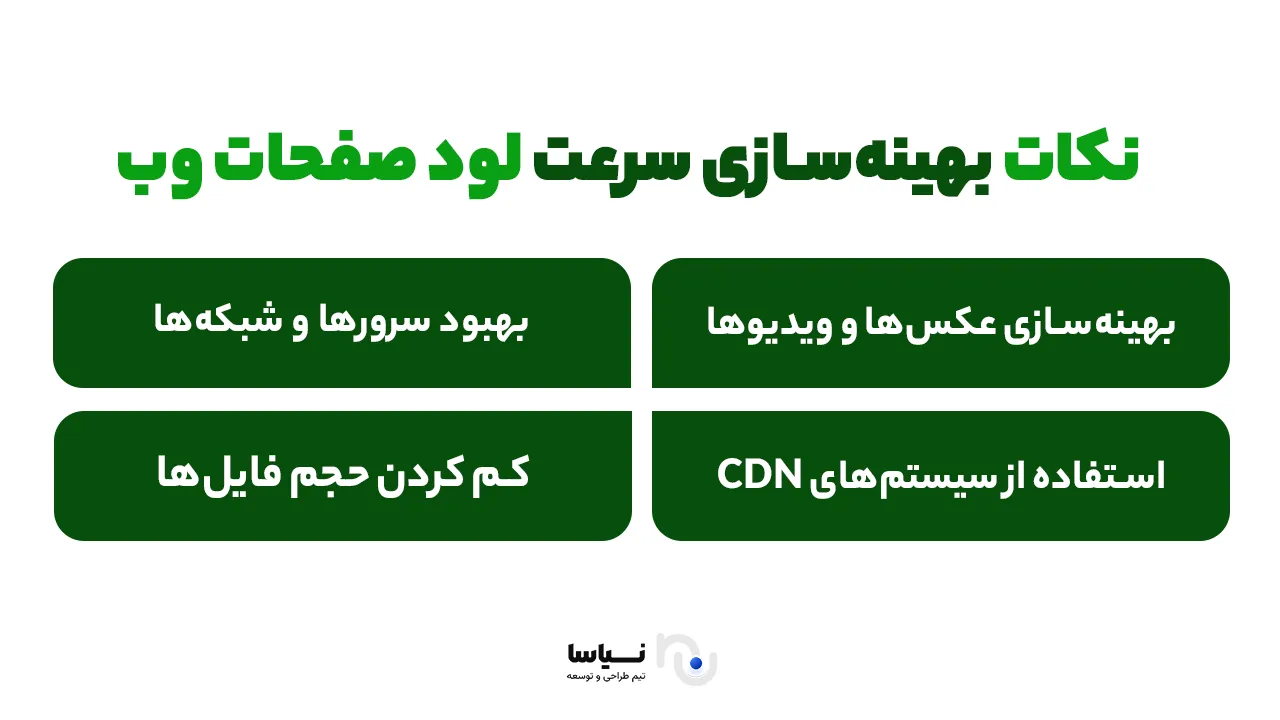
If you intend to enter the world of specialist web design, one of the best ways to learn is to enrol on a specialist web design course. These courses let you learn the basic skills, such as writing HTML and CSS, and become familiar with advanced design tools. The concepts of user experience (UX) and interface design (UI) also help you build beautiful, practical designs that users enjoy. These courses also teach you how to optimise your sites for search engines so that they are better seen in search results, and how to improve page load speed.
Web design: what it is and its kinds
Web design means creating web pages that users can view in their browser. The process is a combination of art and science, taking in graphic design and coding. There are different kinds of web design, each with its own characteristics and uses. Some of them are news, commercial, personal, e-commerce and media sites. Web design can be static or dynamic, and it lets a user interact with different pages.
Career opportunities in web design
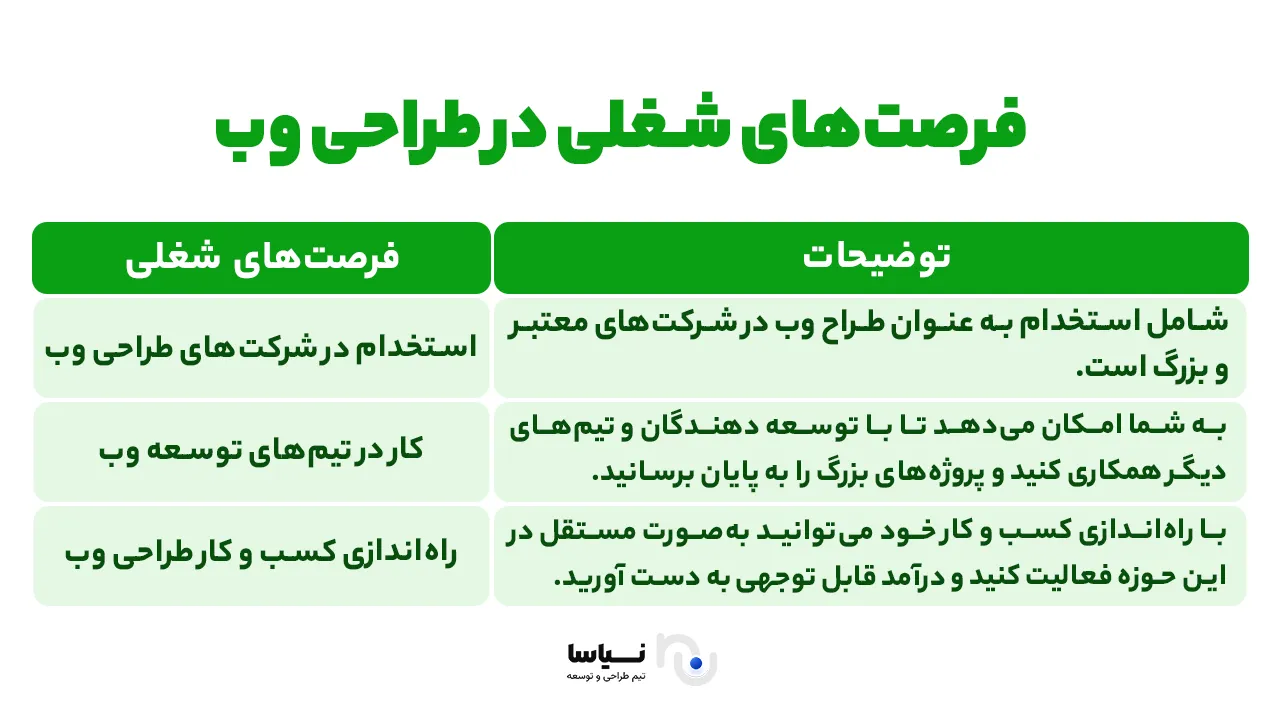
Web design has become a thriving field of work. As internet use has spread and the need for websites of every kind has grown, web designers are always in demand in the job market. Those opportunities are not limited to working at a web design company. Many web designers work freelance or independently and offer their services to businesses and individuals. For anyone interested in the field, there are a great many opportunities to grow and progress.
Learning the languages web design needs
To succeed in web design, a command of the main programming languages and familiarity with the related tools is essential. Here we look at the most important languages and techniques every web designer should learn.
1 – HTML: the structure of web pages
HTML (Hypertext Markup Language) is the main language for structuring web pages. It lets web designers present content on a web page in an organised way. HTML is used, for instance, to create headings, paragraphs, lists, tables and links. A command of HTML lets a designer build a sound structure for every web page.
2 – CSS: styling pages
CSS (Cascading Style Sheets) helps you control the appearance and design of web pages. With CSS you can define colours, typefaces, spacing and the overall layout of a page. The language matters because it contributes to a site's visual design and to a better user experience. Without CSS, sites would be nothing but a series of texts and links, with no appearance or appealing design.
3 – JavaScript: adding interaction to pages
JavaScript is one of the very important programming languages, letting you add interaction and dynamic features to a site. It is used to create interactive effects such as animation, dynamic forms and even games. Because it runs in the user's browser, it has a considerable effect on creating a distinctive user experience.
4 – CMSs: managing content easily
Content management systems (CMSs) such as WordPress, Joomla and Drupal let web designers manage and design complicated sites without writing all the code from scratch. These tools help designers build beautiful, user-friendly sites and increase their efficiency and speed in building them.
Learning the design software
Graphic design software and the related tools play an important part in the web design process. They let designers realise a site's appearance and user experience in a visual, appealing form.
1 – Adobe Photoshop: graphic design for the web
Adobe Photoshop is one of the most popular graphic design programs, and web designers use it widely for creating images, banners and site graphics. It offers tools for editing photographs, creating graphic designs and making animated images. In web design, Photoshop can be used to design various parts of a site, banners and display images among them. A command of the program helps designers produce high-quality graphics.
2 – Adobe Illustrator: vector graphics
Adobe Illustrator lets web designers build vector graphics (logos, icons and graphical elements). Unlike Photoshop, which is used mostly for editing raster images, Illustrator is for designing scalable graphics that can be used at different sizes without losing quality. Using it in web design lets a designer create high-quality images that can be adjusted to every screen size.
3 – Figma and Sketch: interface design (UI)
Figma and Sketch are other widely used tools in web design, employed for designing the interfaces of sites and apps. They let designers build interactive prototypes and share the design process with other teams. Using them makes interface design faster, more precise and better coordinated.
4 – User experience (UX) and user-friendly design
Alongside a command of the design software, understanding the principles of user experience (UX) and interface design (UI) is essential for a web designer. UX design means creating an experience in which a user can interact with a site easily and without difficulty. That includes designing simple paths to information, optimising pages for speed, and creating layouts that hold a user's attention and make using the site a pleasure.
In the end, learning and mastering the design software and the tools web design needs lets designers build beautiful web pages that are graphically appealing, user-friendly and effective in interaction. As these fields continue to advance, designers can build websites that not only work correctly in technical terms but also give users an excellent experience.
Teaching yourself web design
To learn web design, you can use online courses, books and other learning resources. They help you become acquainted step by step with the basic concepts of web design and learn the skills you need to build web pages. Online courses usually include practical exercises and real projects that help you gain experience and put what you learn to use in the real world.
Getting to know CMSs for web design
CMSs, or content management systems, are tools that let you build professional sites without writing complicated code. They let web designers manage content readily and keep web pages up to date. Some well-known CMSs are WordPress, Joomla and Drupal, each with its own characteristics and uses.
How to become a web designer
To become a professional web designer, you first have to become acquainted with the basic concepts of web design and learn the skills you need. After that, you can improve your abilities through practice and experience. The following steps can guide you on that road:
Research and analysis: become acquainted with the basic concepts, HTML and CSS.
Learning web design: use reputable online courses to learn more.
Practice and experience: set up small projects of your own and gain practical experience.
Keeping your knowledge up to date: always keep abreast of the latest web design techniques and tools.
The learning resources web design needs
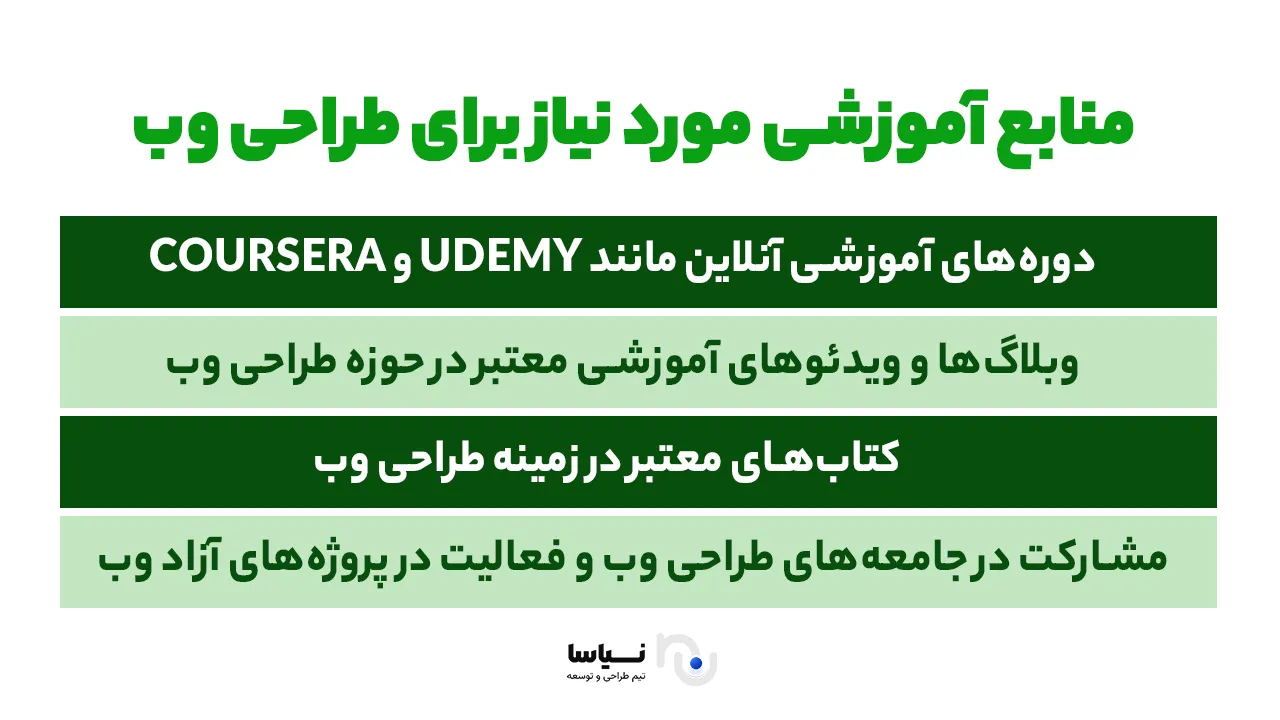
There are various resources for learning web design. Some of them are online courses such as Udemy and Coursera, reputable blogs and instructional videos, and specialist books in the field. Taking part in online communities and contributing to open projects can also help you gain more experience and grow professionally.
What a web designer does
A web designer is responsible for designing and building web pages and has to manage every aspect of a site: its appearance, its behaviour and the user's experience. That process involves a range of tasks that help a web project be carried out effectively and in a user-friendly way.
1 – Working with clients and understanding their needs
The first and most important task of a web designer is to communicate effectively with clients. A web designer has to be able to understand a client's precise needs and turn them into working features and page designs. That takes listening carefully to what is asked for, offering professional advice, and producing designs that take the client's feedback into account and reflect it as well as possible in the final work. Continuing meetings and conversations with clients may be needed to establish a project's goals and priorities.
2 – Designing web pages to match what the client wants
Having understood the client's needs, a web designer has to produce designs that answer them. Those designs have to be both graphically appealing and functionally sound. A web designer is responsible for producing various kinds of design: wireframes, prototypes and finally the finished designs. At this stage the designer has to pay attention to colours, typefaces, page layout and the overall structure, so that the final result is user-friendly and efficient.
3 – Working with developers and graphic designers
Designing a site is not limited to its appearance, and continuous communication with other teams — developers and graphic designers among them — is a fundamental part of the design process. A web designer has to work with developers on the HTML, CSS and JavaScript the site needs in order to work. That helps the designer be sure the graphic designs are turned into web pages properly. At the same time, a web designer has to communicate with graphic designers and other members of the team to bring the visual elements — images, icons and banners — into line, so that the design is coherent and consistent.
4 – Managing time and delivering projects punctually
An important part of a web designer's work is managing time and making sure projects are delivered on schedule. Web design usually involves a number of stages, each needing its own time. A designer has to be able to set a precise schedule for completing each stage of a project and coordinate with the team so that the project is finally delivered on time and without delay. That skill in managing time helps a designer keep the quality of the work up even under pressure.
5 – Improving the site's user experience (UX)
A web designer should always be working to improve the user experience (UX). That means creating orderly, comfortable and quick structures that bring users readily to what they want on a site. A designer has to simplify the processes of interacting with a site and avoid unnecessary complication. Using user experience analytics tools and continuous feedback from users, a web designer can identify problems and make improvements for users' greater comfort. A web designer's main aim is to provide a smooth, uninterrupted experience.
6 – Ensuring the site is compatible and performs well
A web designer has to be sure that the site they design displays properly across browsers and devices. That means testing it in different browsers (Chrome, Firefox, Safari) and on different devices (phone, tablet and desktop) to be sure it performs well in all of them. A designer also has to be sure the web pages load quickly and run without errors or particular problems.
7 – Training and support after a project is delivered
A web designer's work does not end when a project is handed over to the client. The designer has to provide the training needed for using a content management system (CMS) such as WordPress or Joomla and to give support if problems arise. That helps clients manage and update their sites readily. A designer should also be ready to step in if corrections or later updates are needed.
In the end, a web designer plays a vital part in building high-quality websites that are not only appealing in appearance but work correctly and give an excellent user experience. Technical skills, creativity, the ability to work in a team and project management are essential qualities in a successful web designer.
What the job market in web design asks for
Web designers need skills that let them meet clients' needs as well as possible. Those skills include understanding precisely what a client wants, working well with a range of teams, and producing professional designs and web pages. A web designer also has to be familiar with the tools and techniques of the moment in order to succeed in today's competitive market.
Work experience and teams in web design
In the world of web design, working with different teams matters a great deal. Graphic designers, developers and content producers all work alongside one another to build user-friendly, functional sites. Working as a team means projects move faster and their final quality improves. Experience of working in web design teams helps you benefit from the skills of other members and build high-quality projects.
The future of web design and its part in technology
The future of web design is very bright. As technology advances and new tools appear, web designers have to keep themselves up to date and draw on the newest techniques and technologies. Web design is also moving increasingly towards designs with a well-made user experience, fast load speeds and compatibility across devices (phones and tablets among them). That trend means web design will play a fundamental part in the evolution of future technology.
In summary
As an appealing and growing profession, web design takes a combination of technical and creative skills. Web designers have to be able to understand clients' needs, to have a command of programming languages such as HTML, CSS and JavaScript, and to be familiar with modern design tools such as Photoshop and Figma. User experience (UX) and interface design (UI) are also vital parts of building a website. Given the continuing growth of the web market, there are a great many career opportunities in the field. Keeping your knowledge up to date and learning new tools lets designers build websites that are user-friendly, fast and well made.